
Can an Old iPhone Work as a Dash Cam?
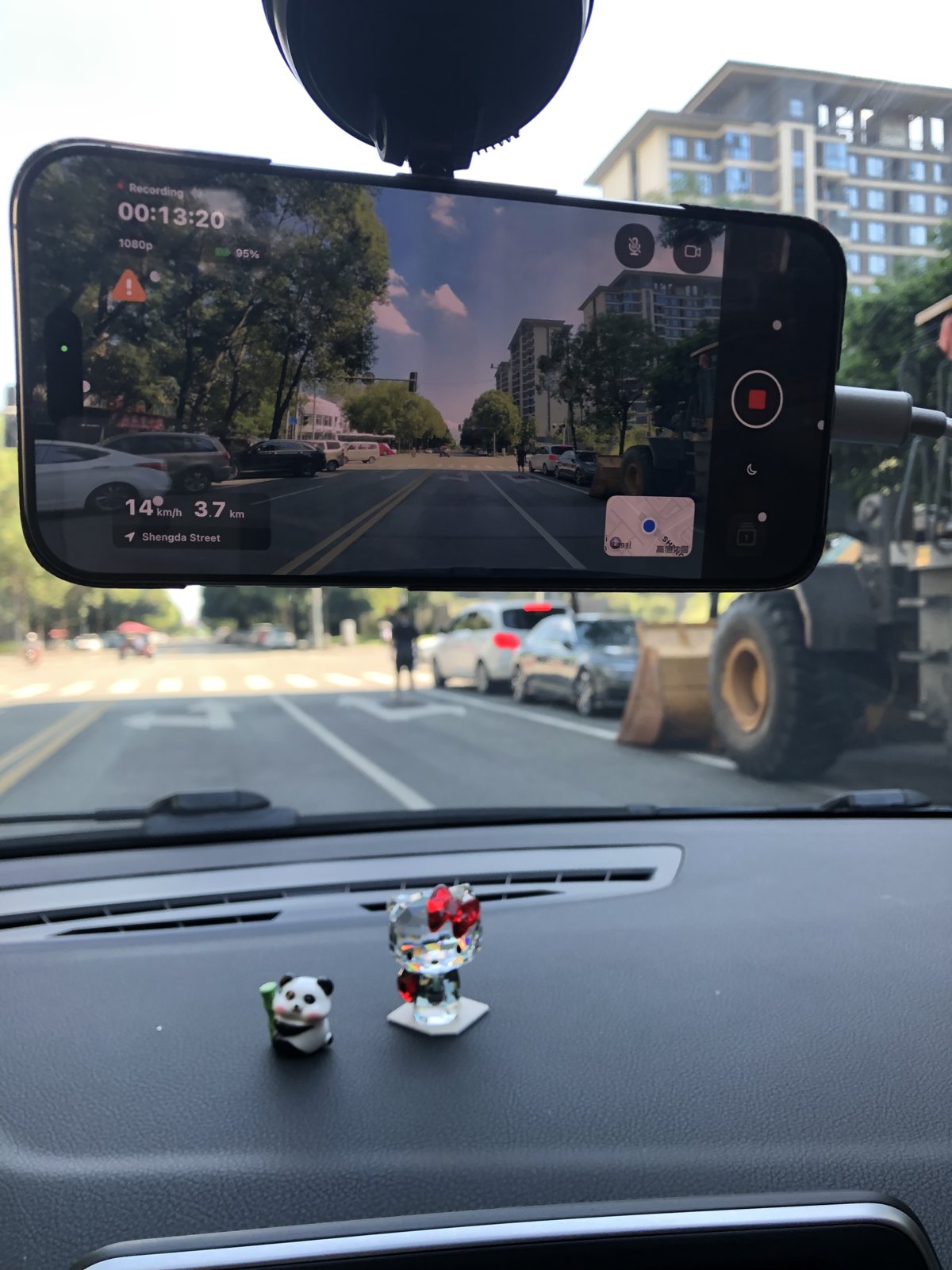
For a trip where you want to record the road ahead, a compatible iPhone and a secure mount can be a starting point. Test the setup before relying on it.
Updated
Which uses are worth trying?
Temporary road recording in a rental car, keeping footage from a road trip, or reusing a compatible spare iPhone are uses to evaluate. TripREC offers recording, route playback and video export. It is not a guarantee of parking surveillance, multiple-camera monitoring or incident capture without gaps.
Check a spare iPhone first
- Use an iPhone 8 or later running iOS 16 or later, and confirm that it can install the current TripREC from the App Store.
- Check the camera, location services, battery and free storage.
- Record a short clip with your planned quality and mount, then stop and confirm playback and export.
Being able to install the app does not prove long-session reliability or support for every quality option. We do not currently publish a standardized runtime, battery-life or temperature benchmark.
Set up before driving
- While parked, fit a secure mount. Keep the camera unobstructed and the phone clear of your view and vehicle controls.
- Check local mounting and recording requirements. Grant Camera, Microphone and Location permissions as needed.
- Check power, storage, angle and quality. Complete a short recording, playback and export test.
- Start recording before departure. Do not operate the phone while driving. Check footage after parking and export clips you need to keep.
What if you also need navigation?
Do not plan on continuous filming after switching to another navigation app. TripREC's dimmed-screen mode remains inside the app; locking the phone or backgrounding the app can interrupt capture. Consider another device or the car's navigation system, and test your actual combination first.
When is dedicated hardware a better fit?
If you need parking monitoring, continuous front-and-rear capture, automatic start with vehicle power or a permanent installation, check a dedicated dash cam's specific capabilities. Choose based on your recording requirements and setup; a phone app does not replace every dedicated device.
Keep the footage you need
Check a recording in trip playback, then save it to Photos or export it to another app. Loop recording replaces older clips, so export important footage before it is replaced. Save needed files before uninstalling the app, too.